Payroll is one of the first big “real business” moments for any owner. The day you hire your first employee, you take on a new set of responsibilities: paying people correctly and on time, withholding the right taxes, sending those taxes to the government, and keeping records that hold up if anyone ever asks.
The good news? Once you understand the process, payroll is a repeatable routine. This guide walks you through how to run payroll for a small business, from the one-time setup to each pay run, plus the deadlines and mistakes that trip up most new employers.
Quick note: this article is general educational information for U.S. employers, not tax or legal advice. Payroll rules vary by state, so confirm details with your state agencies or a qualified accountant.
What Is Payroll?
Payroll is the process of paying your employees and handling everything attached to that payment. A complete payroll process includes:
- Calculating gross pay from salaries, hourly wages, overtime, bonuses and commissions
- Withholding taxes and deductions such as federal and state income tax, Social Security, Medicare, benefits and retirement contributions
- Paying employees their net (take-home) pay by direct deposit or check
- Depositing and filing payroll taxes with federal, state and sometimes local agencies
- Keeping payroll records for audits, year-end forms and your own reporting
Before Your First Pay Run: One-Time Payroll Setup
Most payroll problems start with an incomplete setup. Get these pieces in place before you pay anyone.
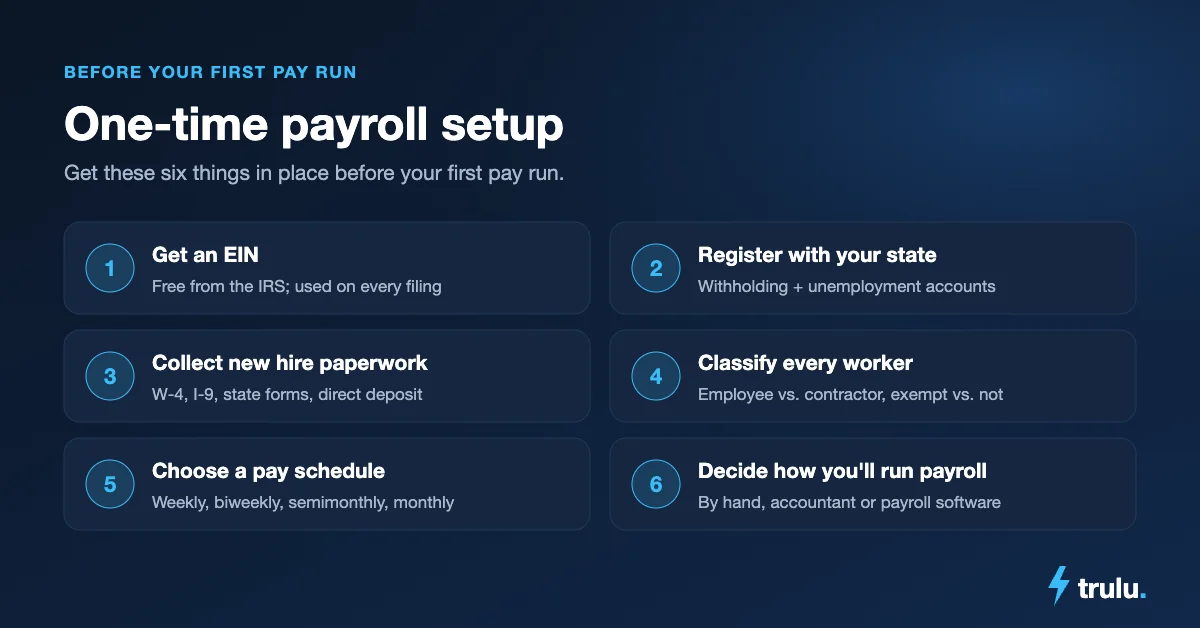
1. Get an Employer Identification Number (EIN)
Your EIN is your business’s federal tax ID. You’ll use it on every payroll tax deposit and filing. You can apply for free on the IRS website, and online applicants usually receive their number immediately.
2. Register with your state
Most states require employers to register for a state income tax withholding account (if the state has an income tax) and a state unemployment insurance (SUI) account. Some cities and counties have their own payroll taxes too.
3. Collect new hire paperwork
For every new employee, collect:
- Form W-4 — tells you how much federal income tax to withhold
- Form I-9 — verifies the employee is eligible to work in the U.S.
- State withholding form — if your state uses its own version
- Direct deposit authorization — bank details for paying the employee
You’ll also need to report each new hire to your state’s new hire registry, generally within 20 days of the hire date.
4. Classify every worker correctly
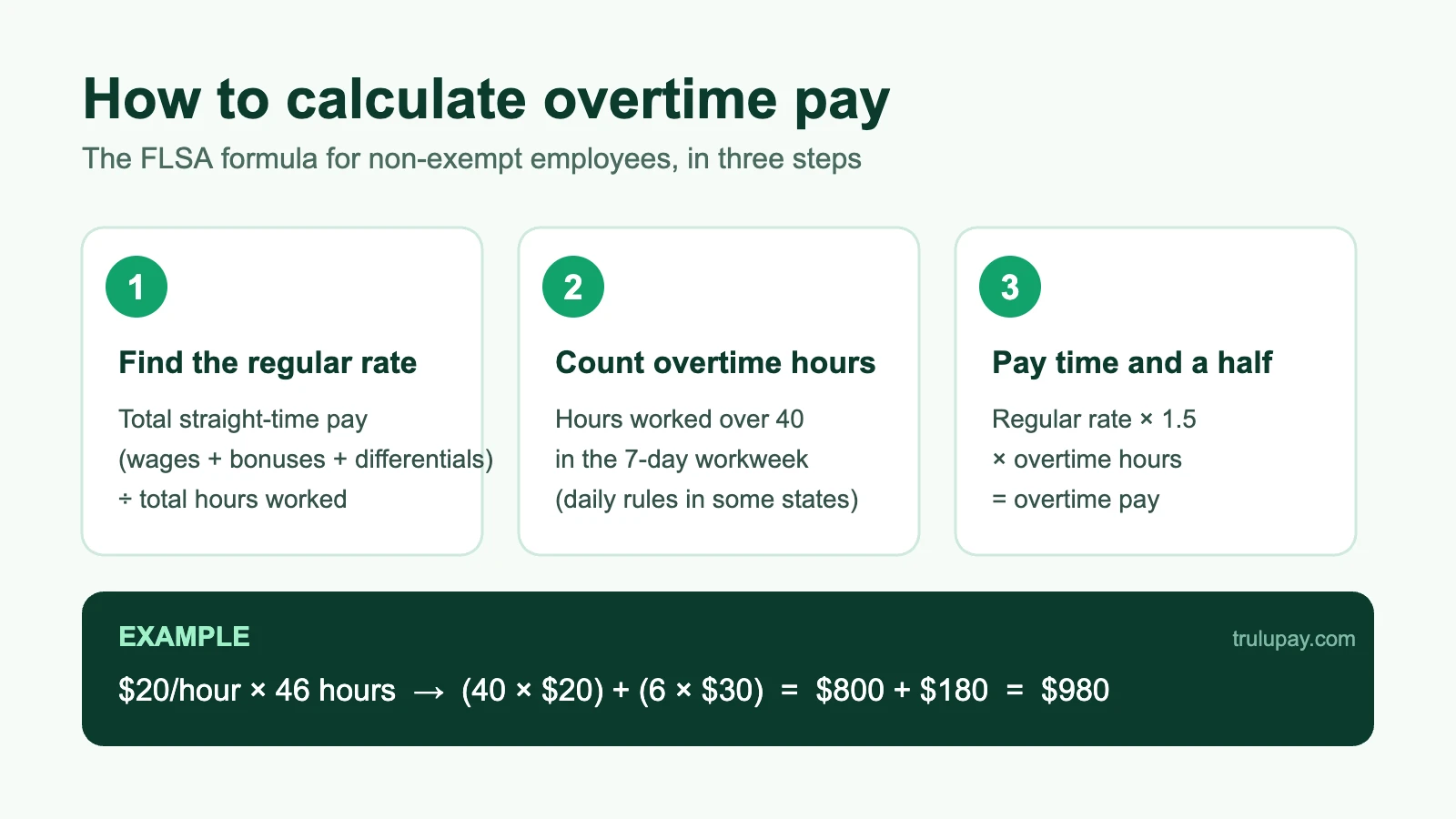
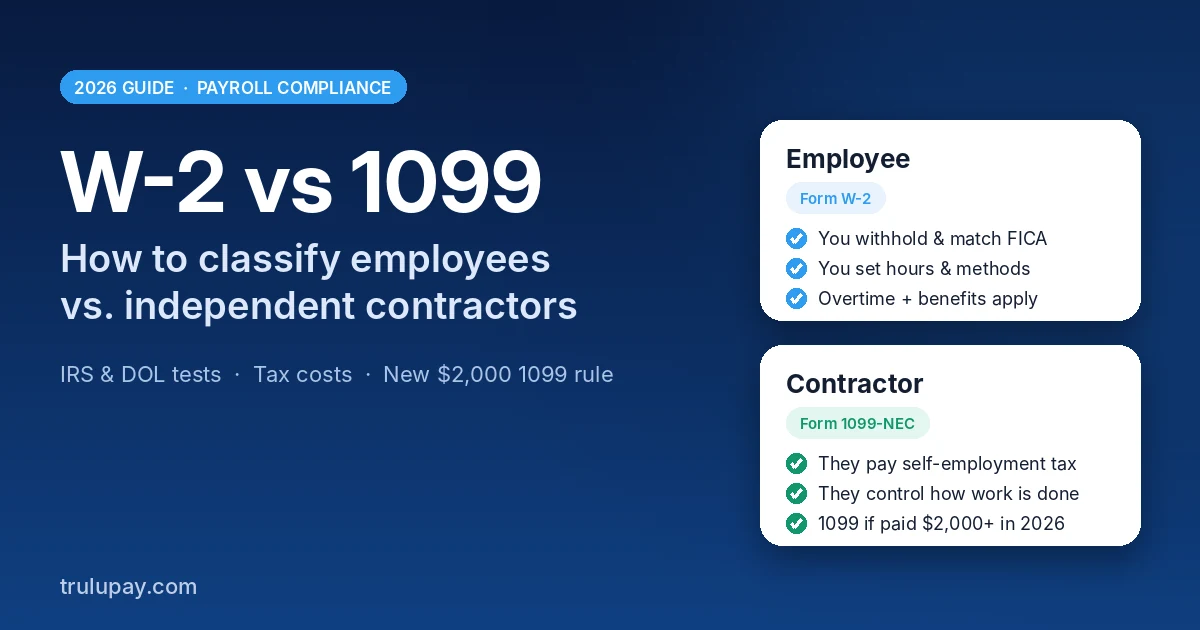
Decide whether each person is an employee or an independent contractor, and whether each employee is exempt or non-exempt from overtime. Non-exempt employees must receive overtime at 1.5 times their regular rate for hours worked over 40 in a workweek under federal law (some states have stricter rules). Misclassification is one of the costliest payroll mistakes a business can make.
5. Choose a pay schedule
The four common pay schedules are:
- Weekly — 52 paychecks a year; popular for hourly teams
- Biweekly — every other week, 26 paychecks a year; the most common choice
- Semimonthly — twice a month (for example, the 15th and last day), 24 paychecks a year
- Monthly — 12 paychecks a year; not allowed for all employees in every state
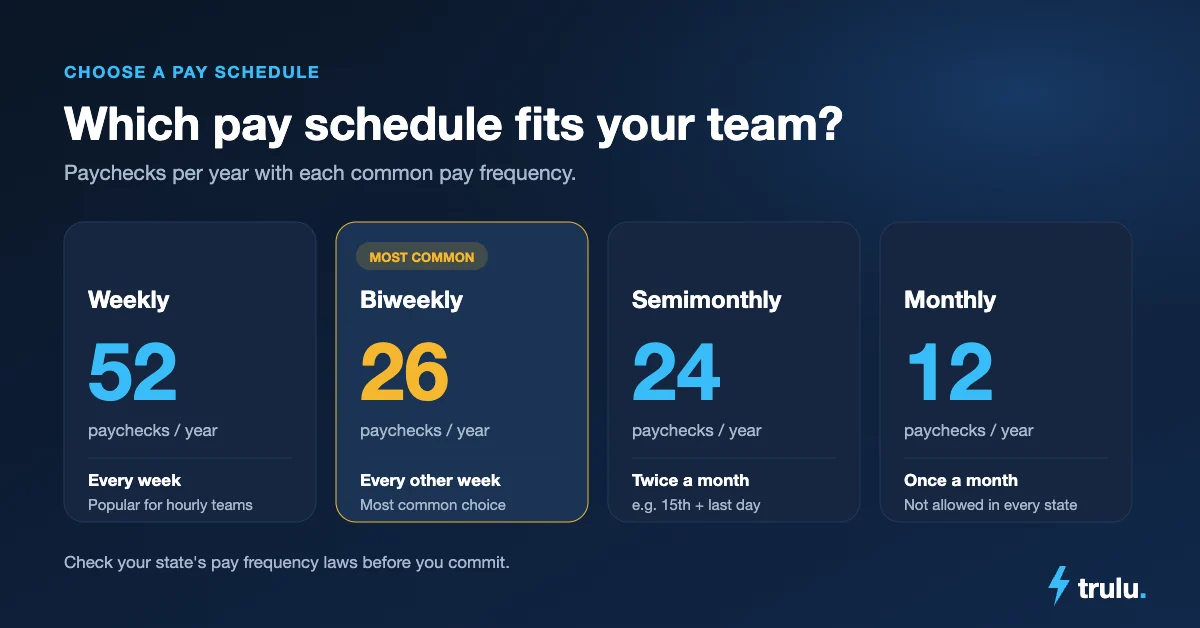
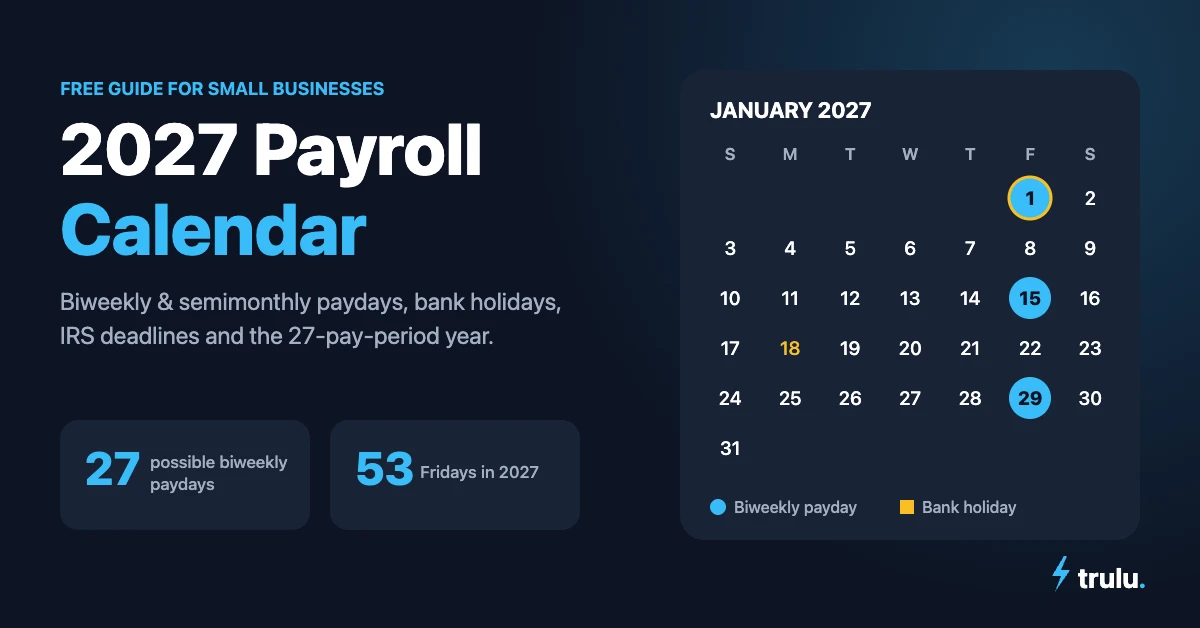
Check your state’s pay frequency laws before you commit, then put every pay period and payday on a payroll calendar.
6. Decide how you’ll run payroll
You have three options: do it manually with spreadsheets, hire an accountant or payroll provider, or use payroll software for small business. Manual payroll can work for one or two employees, but the risk of calculation errors and missed deadlines grows quickly with every hire.
How to Run Payroll for a Small Business: Step by Step
Once setup is done, every pay period follows the same routine.
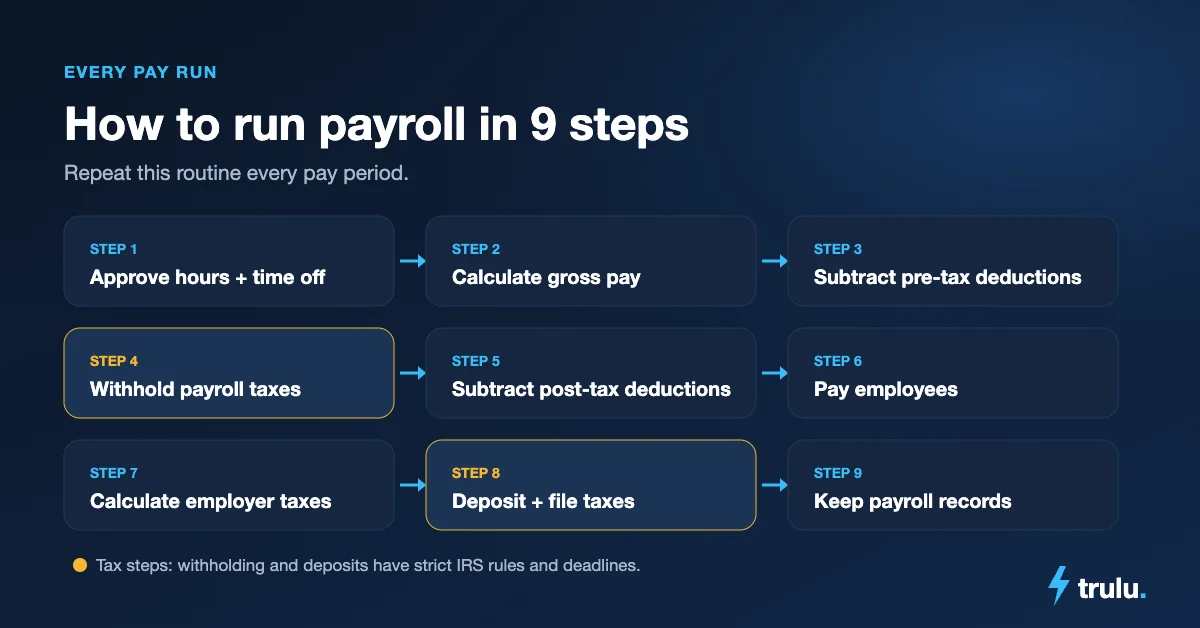
Step 1: Collect and approve hours and time off
For hourly employees, gather timesheets or clock-in records for the pay period. Review them for missing punches and overtime, and make sure approved time off (PTO, sick leave, holidays) is recorded correctly. Approving time-off requests in the same place you run payroll removes a lot of back-and-forth.
Step 2: Calculate gross pay
Gross pay is everything an employee earned before deductions:
- Salaried: annual salary ÷ number of pay periods (for example, $52,000 ÷ 26 = $2,000 per biweekly check)
- Hourly: regular hours × hourly rate, plus overtime hours × 1.5 × hourly rate
- Extras: add bonuses, commissions and tips
Step 3: Subtract pre-tax deductions
Some deductions come out before income tax is calculated, such as traditional 401(k) contributions and many health insurance premiums. These lower the employee’s taxable wages. (Note: traditional 401(k) contributions still count as wages for Social Security and Medicare.)
Step 4: Withhold payroll taxes
These are the main payroll taxes for employers to withhold from employee pay:
- Federal income tax — based on the employee’s W-4 and the IRS withholding tables (IRS Publication 15-T)
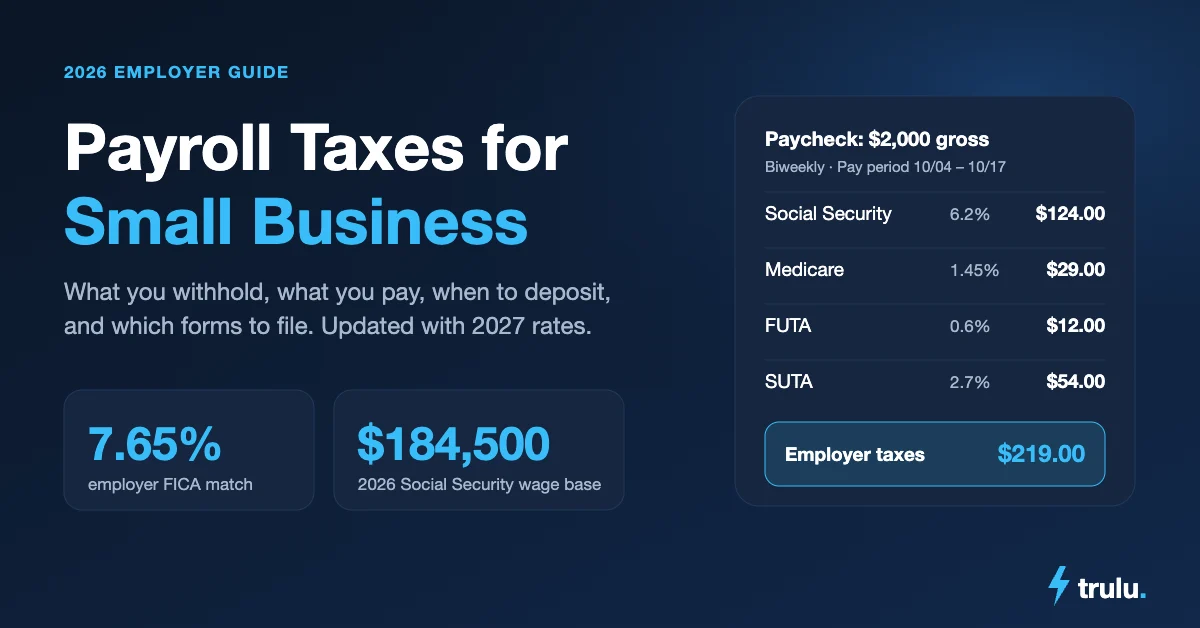
- Social Security — 6.2% of wages, up to the annual wage base ($184,500 for 2026)
- Medicare — 1.45% of all wages, plus an extra 0.9% on wages over $200,000 in a calendar year
- State and local income tax — where applicable
Step 5: Subtract post-tax deductions
Next, take out post-tax items like Roth 401(k) contributions, wage garnishments and certain voluntary benefits. What remains is the employee’s net pay.
Step 6: Pay your employees
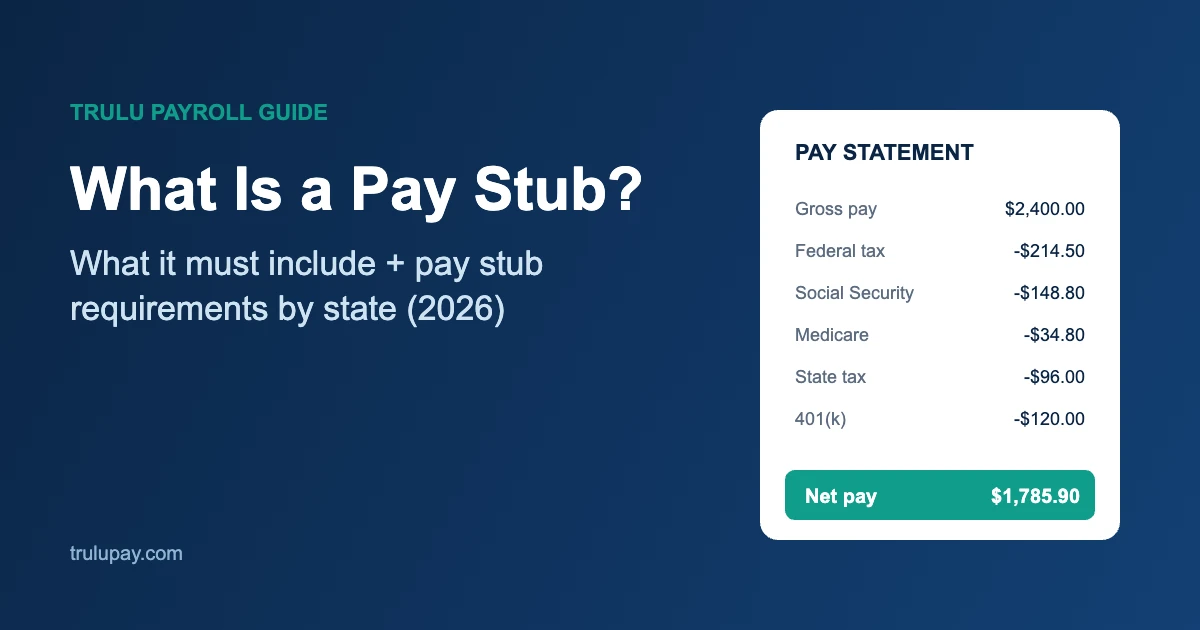
Send net pay by direct deposit or check on payday. Direct deposit often needs to be submitted a day or two ahead, so build that lead time into your payroll calendar. Give each employee a pay stub showing gross pay, every deduction and net pay.
Step 7: Calculate your employer taxes
Payroll costs you more than gross wages. As an employer, you also pay:
- Matching Social Security and Medicare — 6.2% and 1.45% (7.65% total), the same as the employee’s share
- Federal unemployment tax (FUTA) — 6.0% on the first $7,000 per employee per year, typically reduced to 0.6% after the credit for paying state unemployment tax on time
- State unemployment tax (SUTA) — rate varies by state and by your business’s history
Step 8: Deposit and file payroll taxes on time
Withheld taxes are held in trust for the government, so deadlines matter. Federal payroll tax deposits are made electronically, typically through the IRS’s EFTPS system, on either a monthly or semiweekly schedule based on how much tax you reported in a prior lookback period. Key federal filings include:
- Form 941 — quarterly federal payroll tax return
- Form 940 — annual FUTA return
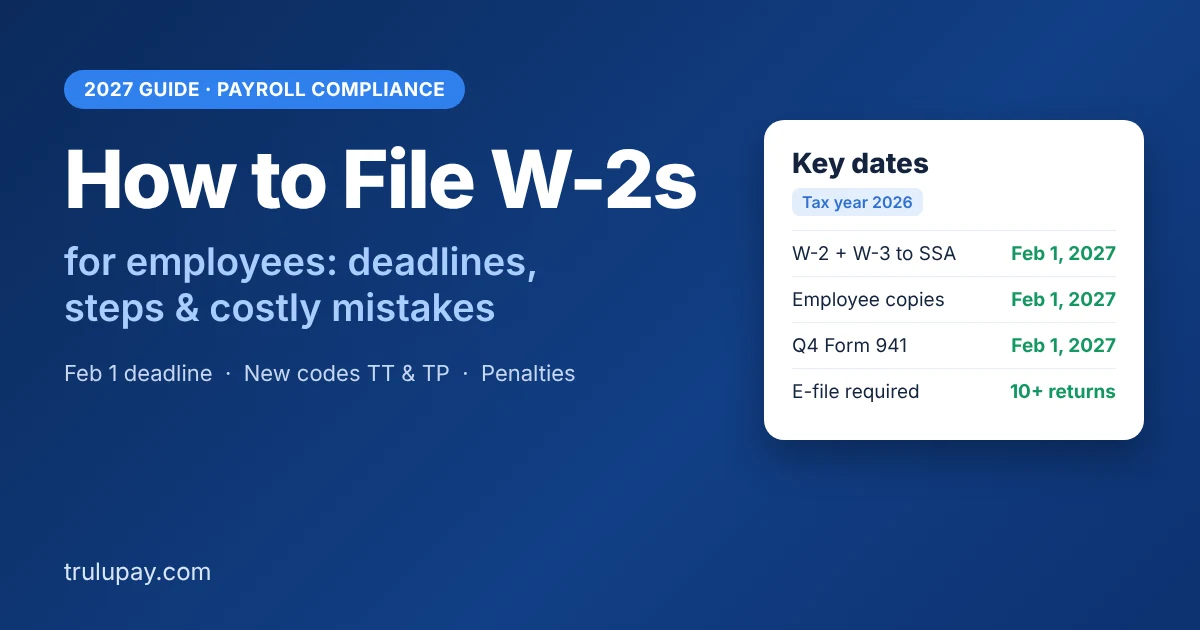
- Form W-2 — sent to each employee and filed with the Social Security Administration by January 31
Your state will have its own withholding and unemployment filings as well.
Step 9: Keep accurate payroll records
Store timesheets, pay rates, pay stubs, tax deposits and filings for every pay run. The IRS recommends keeping employment tax records for at least four years. Organized records make year-end forms, audits and benefits questions far easier to handle.
Small Business Payroll Example
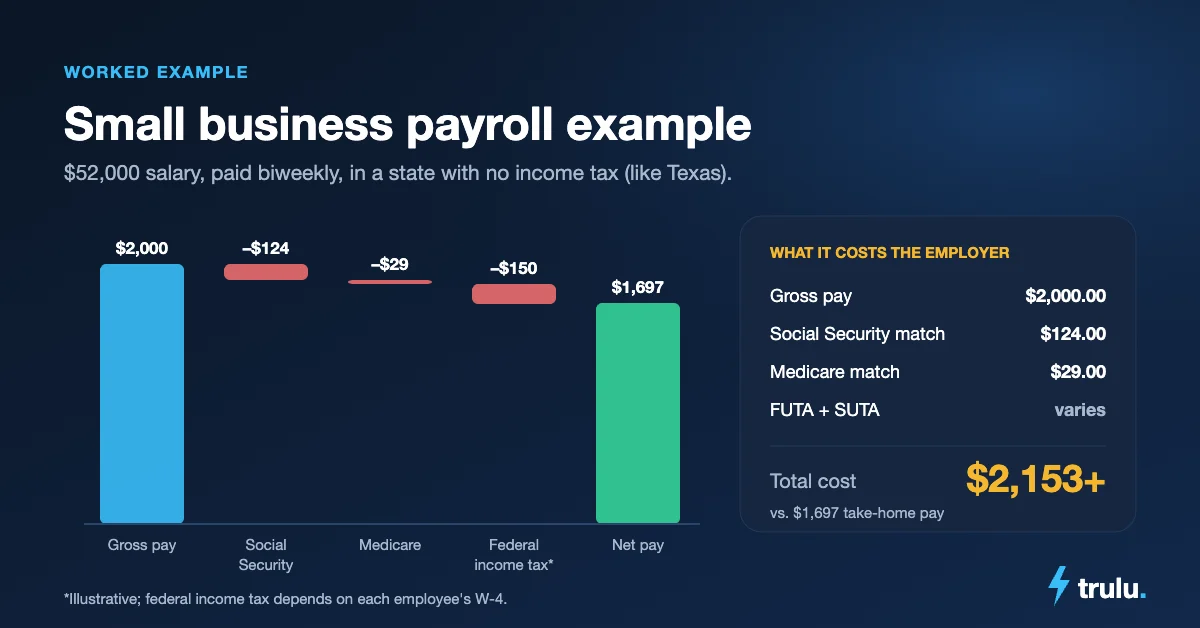
Here’s a simplified biweekly example for a salaried employee in a state with no income tax (such as Texas):
| Item | Amount |
|---|---|
| Gross pay ($52,000 ÷ 26) | $2,000.00 |
| Social Security (6.2%) | – $124.00 |
| Medicare (1.45%) | – $29.00 |
| Federal income tax (varies by W-4; illustrative) | – $150.00 |
| Employee net pay | $1,697.00 |
On top of the $2,000, the employer pays its own $124.00 Social Security and $29.00 Medicare match, plus federal and state unemployment taxes. That’s why the true cost of an employee is always higher than their salary.
Manual Payroll vs. Payroll Software
You can run payroll by hand. The question is whether you should.
| Manual / spreadsheet | Payroll software | |
|---|---|---|
| Upfront cost | Free | Monthly subscription |
| Time per pay run | Hours, growing with each hire | Minutes |
| Tax calculations | You look up tables and rates | Automatic and kept up to date |
| Deposits and filings | You track every deadline | Scheduled and filed for you |
| Error risk | High, and penalties land on you | Low, with built-in checks |
| Employee self-service | Emails and paper payslips | Online payslips, PTO and profiles |
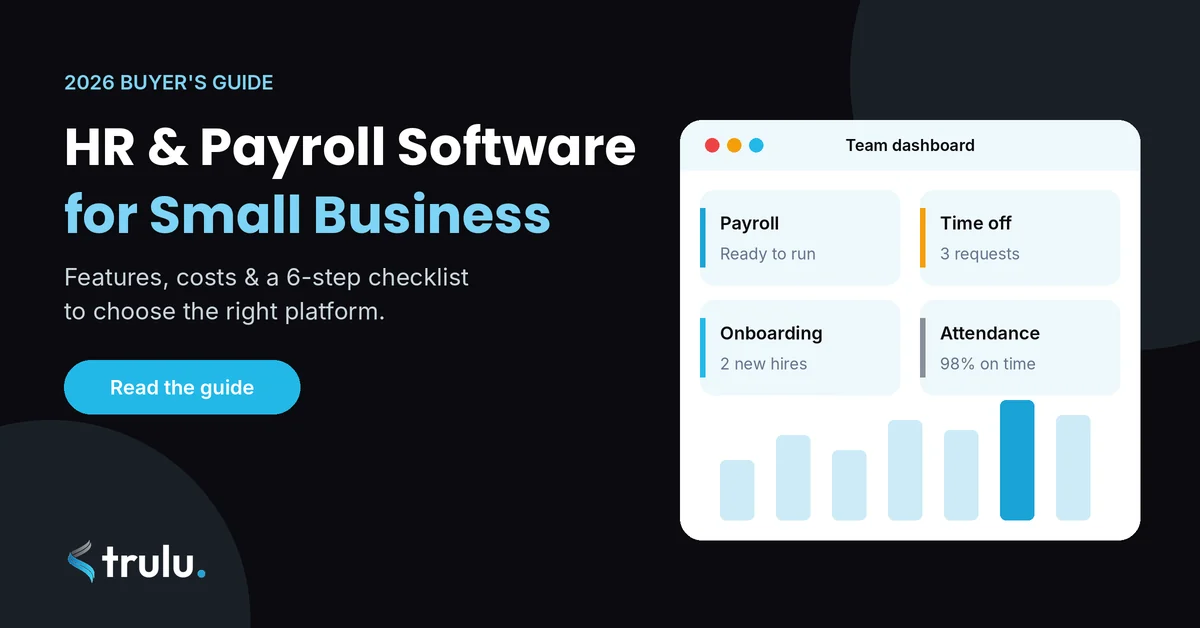
For a team of one or two, manual payroll is manageable. Past five employees, or once you have hourly staff, overtime and PTO in the mix, the time and risk usually cost more than software. Our 2026 buyer’s guide to HR and payroll software covers the features to compare and how pricing works.
5 Common Payroll Mistakes to Avoid
- Misclassifying workers. Treating an employee as a contractor (or a non-exempt employee as exempt) can lead to back taxes, back overtime and penalties.
- Missing tax deposit deadlines. Late deposits trigger IRS penalties and interest, even if you’re only a few days late.
- Using outdated W-4 information. Ask employees to update their W-4 after major life changes, and use the current year’s withholding tables.
- Tracking time off in a separate spreadsheet. When PTO lives outside payroll, approved leave gets missed or double-counted.
- Poor recordkeeping. Missing records make it hard to answer employee questions, correct errors or survive an audit.
Small Business Payroll Checklist
One-time setup
- ☐ EIN obtained
- ☐ State withholding and unemployment accounts registered
- ☐ W-4, I-9 and state forms collected for every employee
- ☐ New hires reported to the state
- ☐ Workers classified (employee vs. contractor, exempt vs. non-exempt)
- ☐ Pay schedule chosen and payroll calendar created
Every pay period
- ☐ Hours, overtime and time off reviewed and approved
- ☐ Gross pay, deductions and taxes calculated
- ☐ Employees paid on time, with pay stubs
- ☐ Employer taxes calculated and deposits scheduled
- ☐ Records saved
Quarterly and annually
- ☐ Form 941 filed each quarter
- ☐ State payroll returns filed
- ☐ Form 940 filed annually
- ☐ W-2s sent to employees and filed by January 31
Make Payroll Simpler with Trulu
Running payroll shouldn’t mean juggling spreadsheets, timesheets and a separate PTO tracker. Trulu is an all-in-one HR and payroll dashboard that brings payroll, time off, onboarding, attendance and performance into one place, so you can see your next pay run, approve time-off requests and track clock-ins without switching tools.
Trulu quietly handles the busywork so you can focus on your people. Sign up today and get your first 4 months free — no setup fee and no credit card required.
Frequently Asked Questions About Small Business Payroll
Can I run payroll myself as a small business owner?
Yes. Many small business owners run their own payroll, especially with only a few employees. You’ll need an EIN, state tax accounts, completed employee forms and a reliable way to calculate taxes and meet deadlines. Payroll software makes doing payroll yourself faster and less error-prone.
How often should a small business run payroll?
Biweekly is the most common schedule, but weekly, semimonthly and monthly are also used. Your state may set a minimum pay frequency, so check local rules before choosing.
What taxes does an employer pay on payroll?
Employers pay a matching 6.2% Social Security tax and 1.45% Medicare tax, federal unemployment tax (FUTA), and state unemployment tax (SUTA). Some states and cities add other employer taxes.
What is the difference between gross pay and net pay?
Gross pay is what an employee earns before any deductions. Net pay is the take-home amount after taxes, benefits and other deductions are subtracted.
What happens if I make a payroll mistake?
Most errors can be corrected. Underpayments should be fixed promptly, often in an off-cycle payment, and tax filing errors can be amended (for example, with Form 941-X). Fixing mistakes quickly helps limit penalties.